Ozil goal AI prompt for Kling, Seedance and others
A free Ozil goal AI starter prompt for Kling, Seedance and other video models: five timed beats, the settings, and fixes for when it drifts.
5 min read · Updated
The prompt
A starter prompt with the scene and the five timed beats, with “my photo” where you attach yours. It’s also on the prompt page.
Ozil goal AI starter prompt
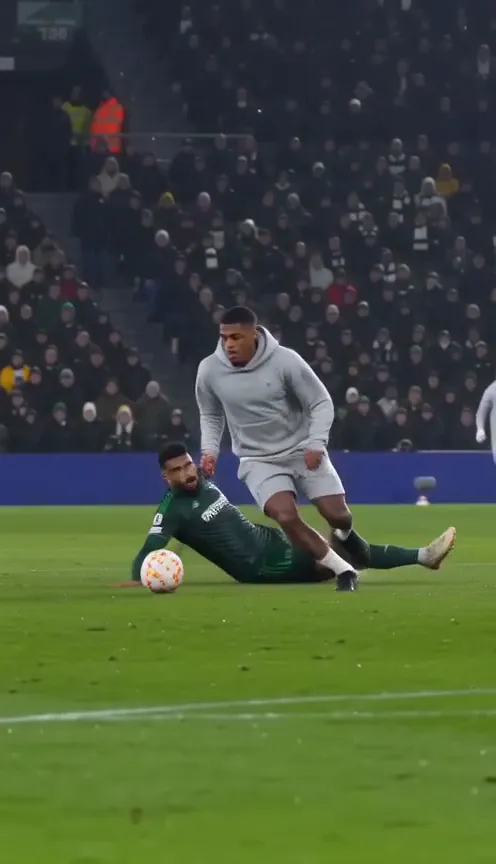
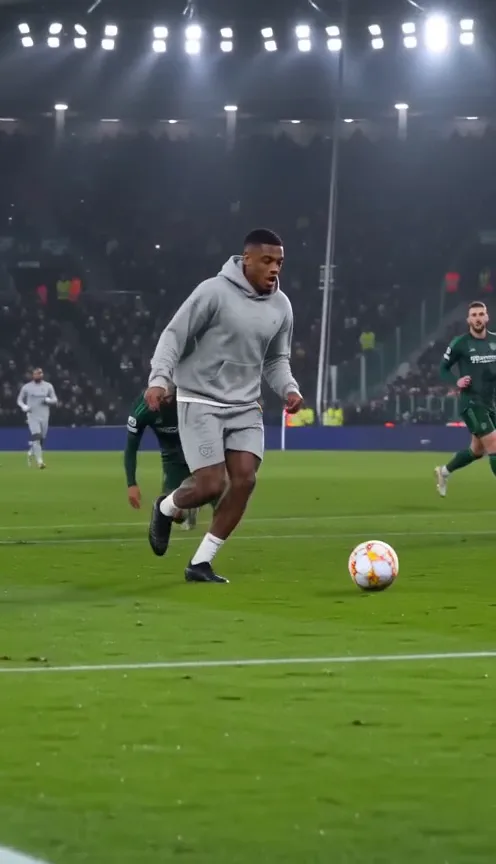
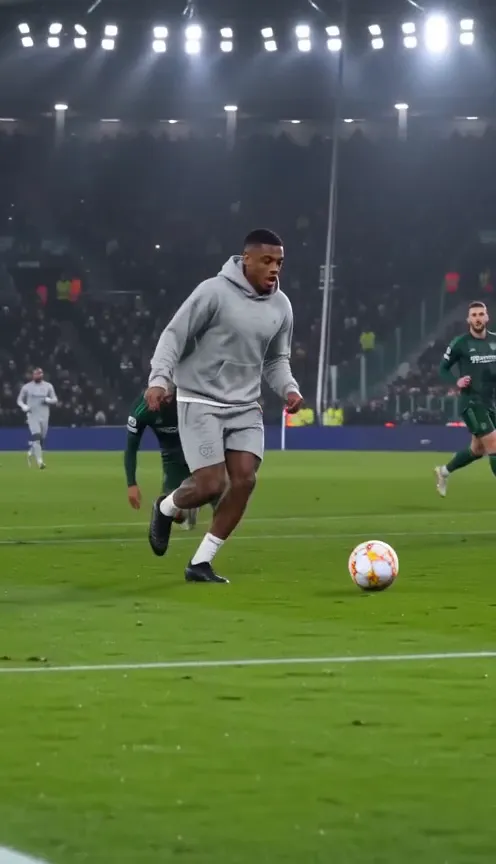
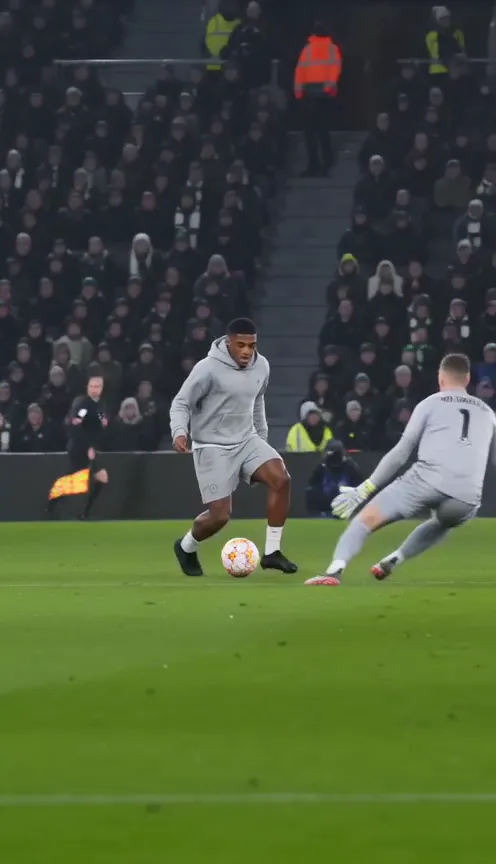
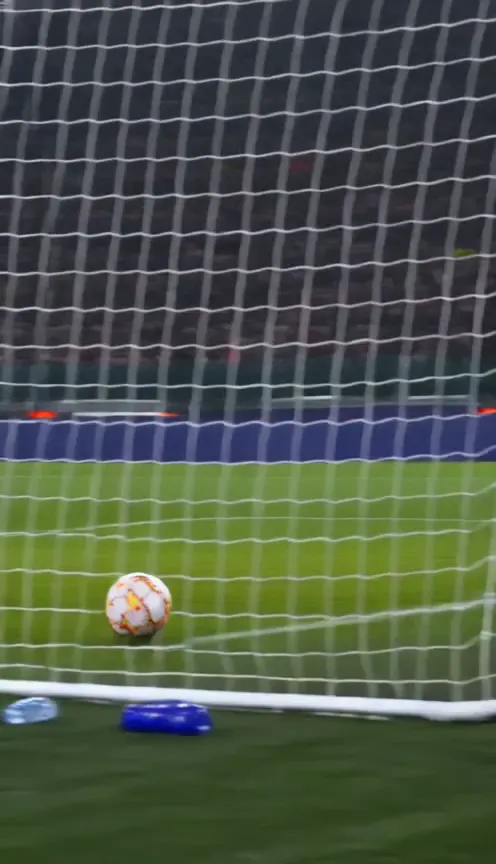
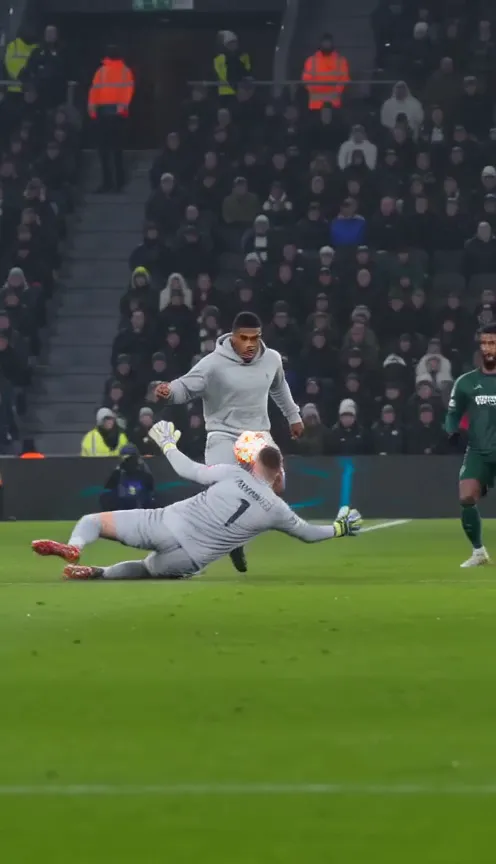
Vertical 9:16 video, 15 seconds, live TV footage of a night football match under floodlights. The camera films from the side, high in the main stand, and pans left to right with the player so they stay whole and in the centre of the picture. The player is the person in my photo, with my face, hair and clothes. 0-2s: the player runs onto the ball near the box; the goalkeeper rushes out and goes down at their feet. 2-5s: the player chips the ball high over the keeper and chases it. 5-8s: the ball bounces; the player kills it with one touch while a defender slides in and misses. 8-12s: a second defender slides in; the player pulls the ball away and carries on at walking pace. 12-15s: the player passes the ball into the empty net; the last second is shot from behind the goal post. Plain kits without badges or numbers, blank advertising boards, no names, no text on screen.
How to use it
- Pick a mode that takes a reference image, such as image-to-video. Text-only modes can’t keep your face.
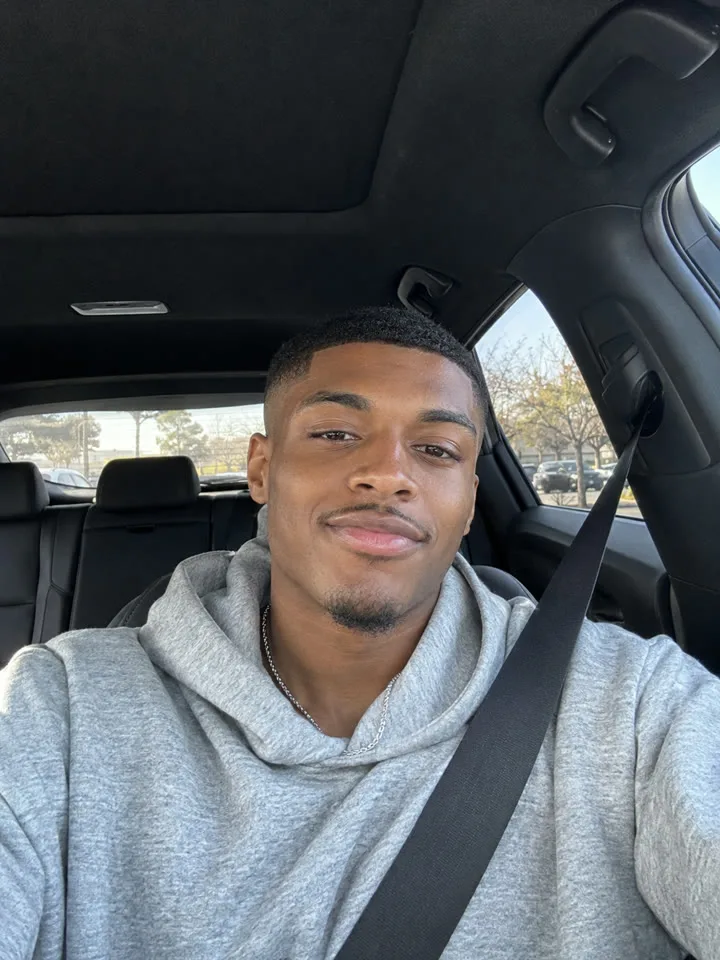
- Attach one clear, front-facing photo of yourself as the reference.
- Paste the whole prompt as it is.
- Set the format to 9:16 and the length to 15 seconds, or the longest the tool allows.
- Turn on sound if the tool makes audio with the video.
- Generate. If a beat goes wrong, run it again before you start editing the prompt.
Why it’s written this way
- Timed beats. Video models keep the order of timed beats far better than a loose description, so the chip, the wait and the finish happen in order.
- No names, no logos. A generic stadium and plain kits keep it clear of content filters and away from anyone else’s face.
- Your photo as the reference. Attaching the photo does far more for the face than describing yourself in words.
- Short on purpose. It’s a starting point: add your own camera, lighting or kit details once the beats come out right.
When it goes wrong
- The tool refuses it: try a different photo first, then have the defenders run past instead of sliding into the net. The blocked video guide has more.
- The face changes: use a sharper, front-facing photo and attach it as the reference rather than describing yourself.
- A football kit appears instead of your clothes: check the photo shows your top clearly, and keep the line about the clothes from the photo.
- The clip ends before the goal: the length is too short. Set the longest length the tool offers.
Or skip the retries: upload one photo here and get the finished 15-second video in about 3 minutes.
Questions
Can I name Özil or Arsenal in the prompt?
It usually makes things worse. Many tools block prompts that name real players, clubs or competitions, and a famous name pulls the face away from yours. Describe the goal instead, as the starter prompt does.
My tool only makes short clips. Will the prompt still work?
Partly. The model will try to fit every beat into the shorter clip, so expect it to rush the chip or drop a defender. The full 15 seconds gives the goal room to play out.
Is the prompt free to use?
Yes. Copy it, change it and use it in any tool. You pay only for whatever the tool charges.