How to make the Ozil goal AI video, step by step
How to make the Ozil goal AI video three ways: one photo here, a prompt in Kling or Seedance, or the CapCut template. Steps and tips.
5 min read · Updated
What you need
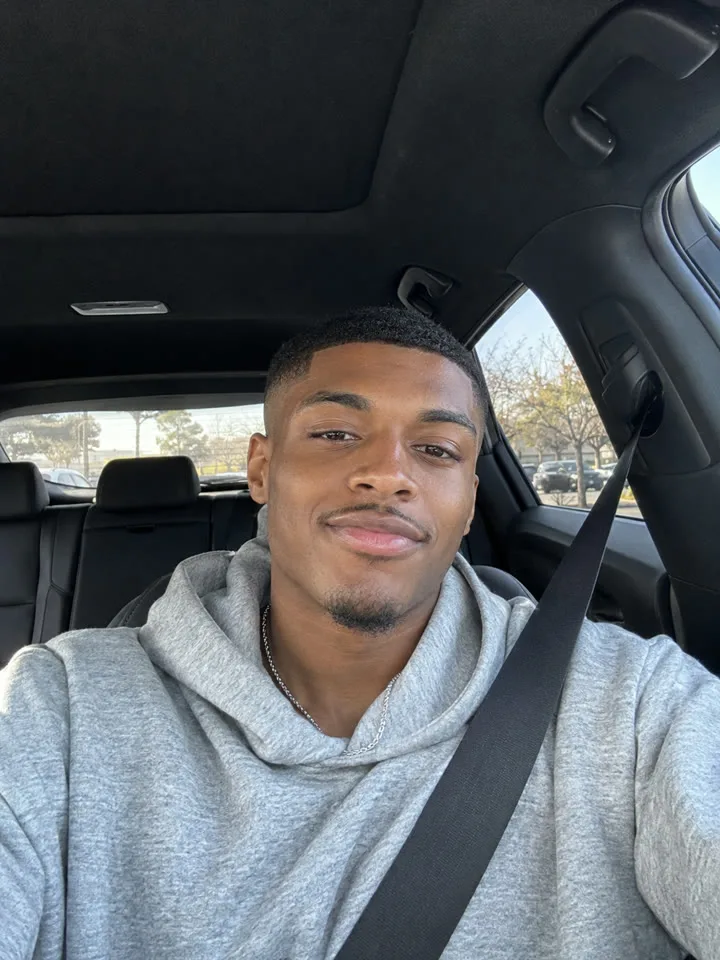
One clear photo of one person, facing the camera. That’s it. Whatever you wear in the photo is what you’ll score in, so pick the outfit first. The photo guide covers the details.
Way 1: one photo, here
- Pick a photo: one person, face toward the camera, in good light. A plain selfie works.
- Upload it on the home page and choose Standard 480p or HD 720p. Standard uses 1 video from your pack, HD uses 2.
- Start the video and wait about 3 minutes. You can close the tab: we email you when it’s ready, and it stays in My videos.
- Download the 15-second 9:16 video and post it. There’s no watermark.
Videos come in one-time packs: see the prices. A video that fails goes back into your pack automatically.
Way 2: a prompt in Kling, Seedance or another model
- Open an AI video tool with an image-to-video or reference-image mode.
- Attach your photo as the reference image. Describing yourself in text instead is what makes the face drift.
- Paste the starter prompt from the prompt page. Set 9:16 and 15 seconds, or the longest length the tool allows.
- Generate, and try again if the face slips, a defender wanders off or the goal never happens.
The prompt guide explains each part of the prompt and what to change when a tool gets it wrong.
Way 3: the CapCut template
- Find a #mesutozilai post that links a CapCut template and open it in CapCut.
- Use the template and add your photo where it asks.
- Let it process, check the result, and export.
- Post it from CapCut to TikTok.
Templates change, and the steps depend on the one you pick. It’s the quickest free way to join in; the comparison guide covers what you trade for that.
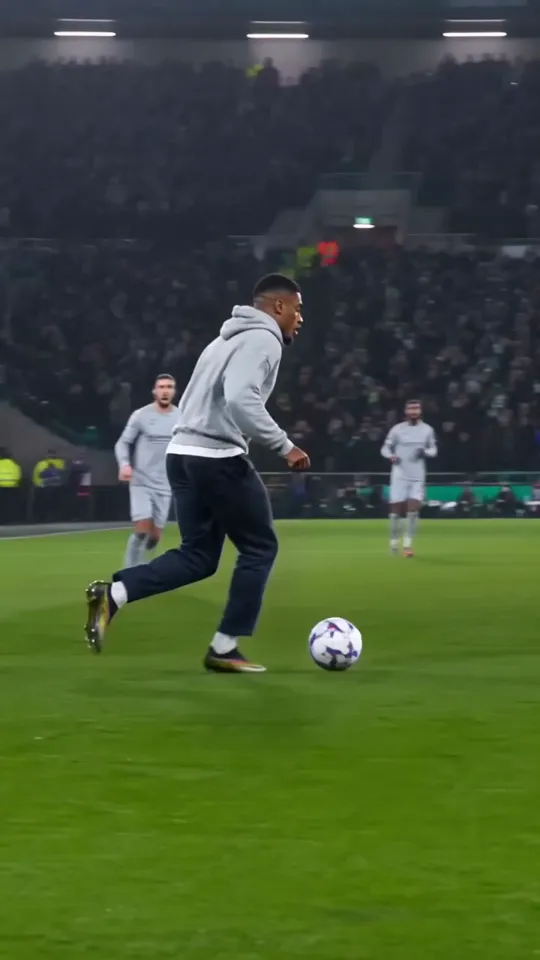
The five beats in your video
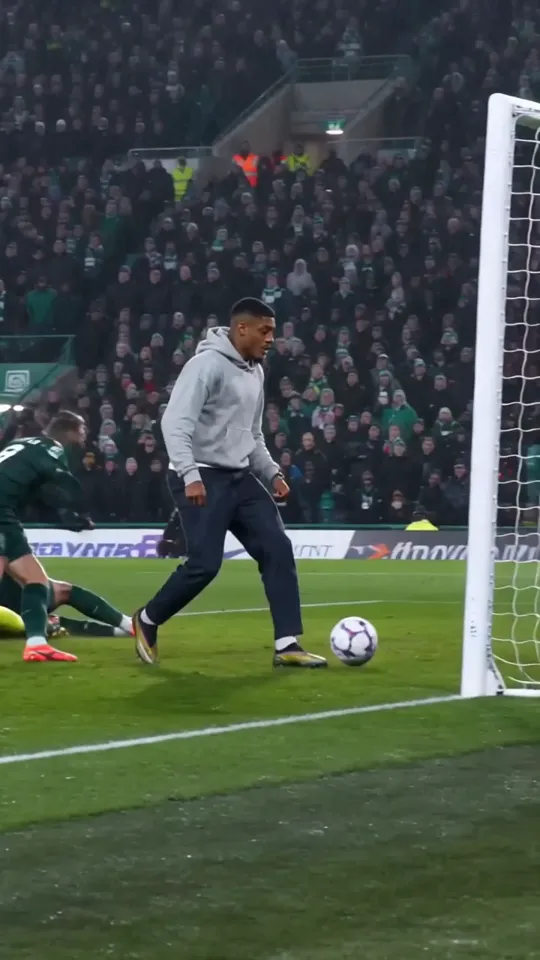
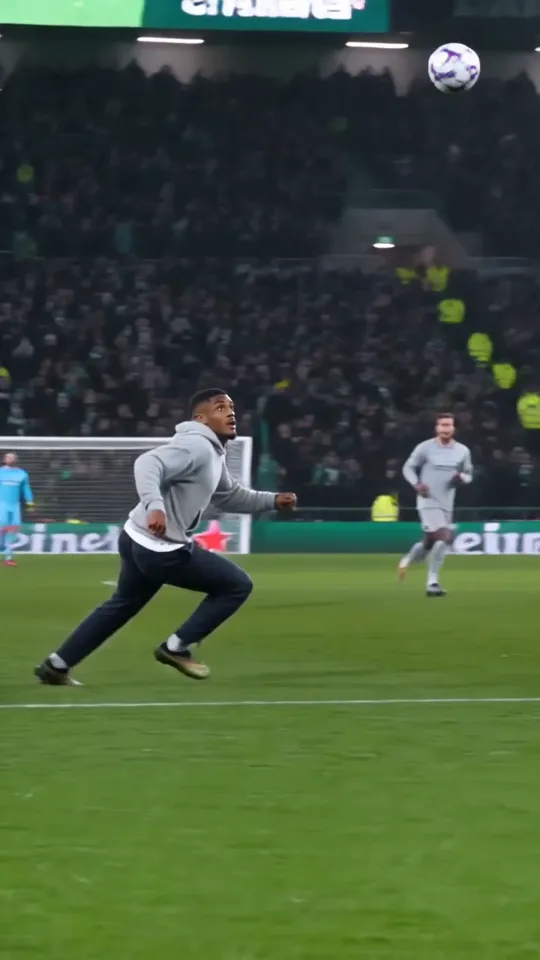
- 0:00: you run onto a through ball as the keeper rushes out.
- 0:02: you chip it over the keeper with the outside of the boot.
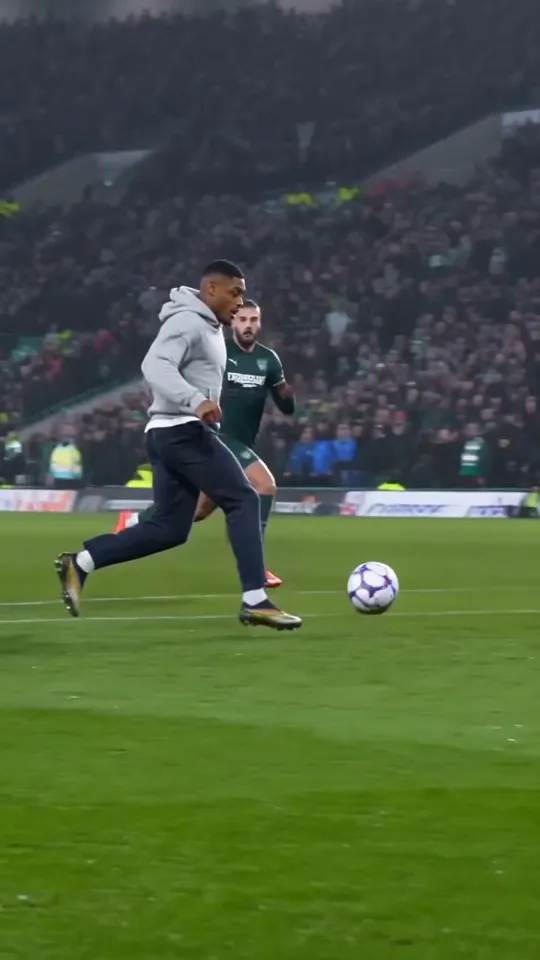
- 0:04: you go round the keeper and take it on the bounce.
- 0:07: you wait as two defenders slide past into the net.
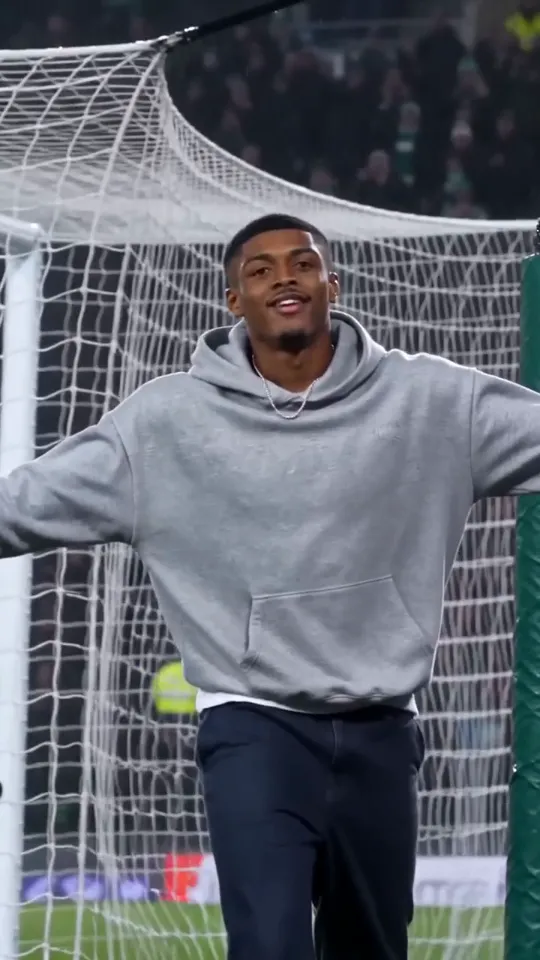
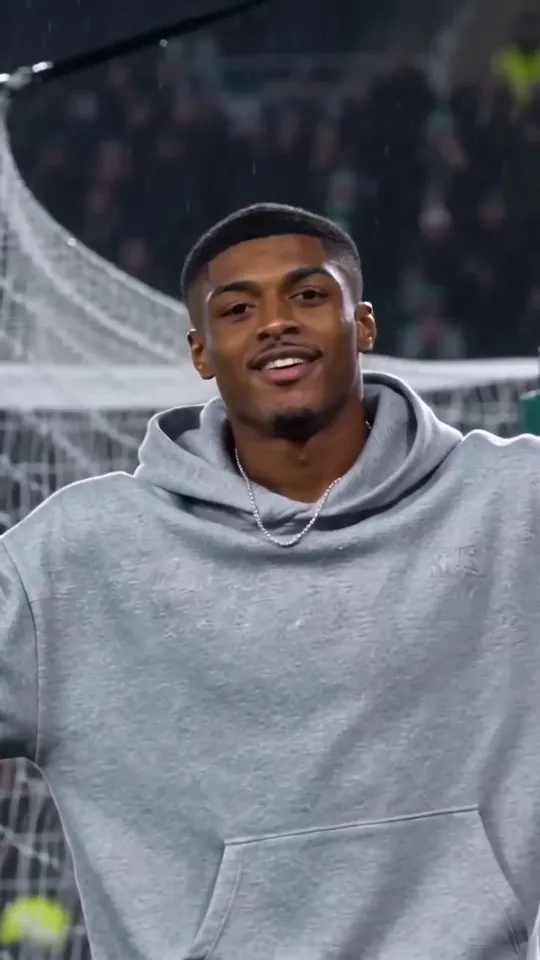
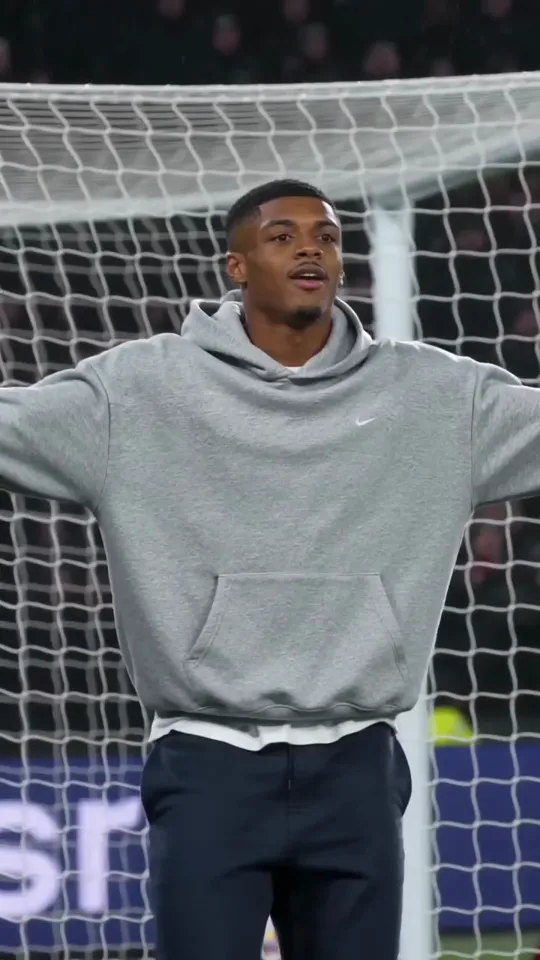
- 0:12: you roll it into the empty net and turn to the crowd with arms wide.
Posting tips
- Post it as is: 9:16 fills the screen on TikTok, Reels and Shorts with no black bars.
- Tag it #mesutozilai so people following the trend find it.
- The video already has crowd, ball and net sounds. If you add music in the app, keep the crowd roar on the finish.
- Keep the caption short, and say it’s an AI video when you post it publicly.
Questions
Do I need to film anything for the Ozil goal AI trend?
No. The whole clip is made from one still photo. You don’t need a pitch, a ball or a camera.
How long is the Ozil goal AI video?
Here it’s 15 seconds, vertical 9:16: long enough for every beat of the goal. Shorter clips squeeze or skip some of them.
Can I post it on TikTok?
Yes. The video has no watermark and is already 9:16. Tag it #mesutozilai to join the trend, and don’t present it as real match footage.